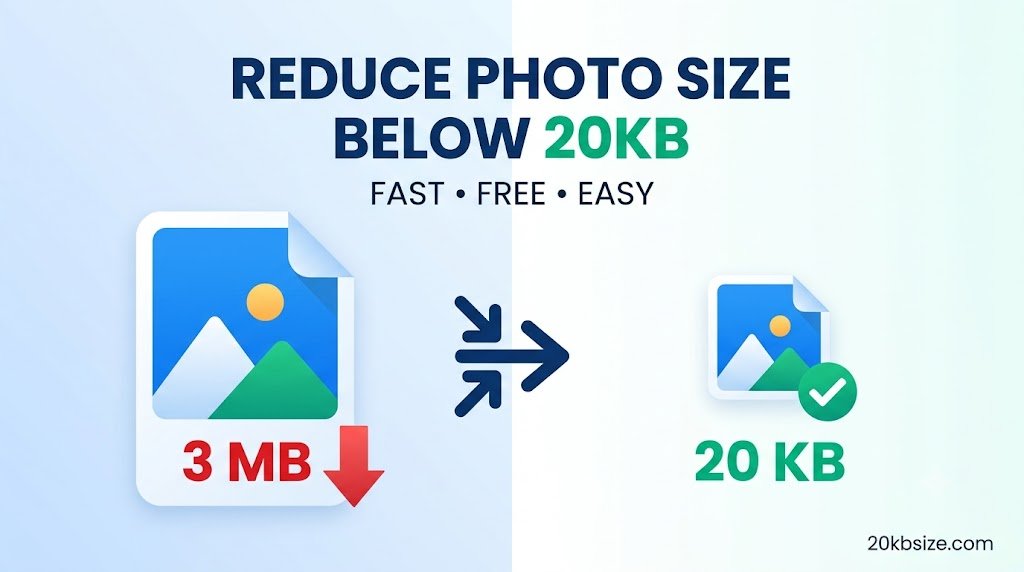
Struggling to upload your photo because it's too large? You're not alone. Every single day, thousands of students and job seekers across India hit the same wall: the form says "upload photo (max 20KB)" and their phone camera has given them a 3MB masterpiece instead.
And it's frustrating, right? You're in a hurry, the deadline is ticking, and suddenly you're googling "how to reduce photo size" at 11 PM.
Here's the thing — government forms, job applications, and exam portals almost always demand an exact 20KB photo size. Not "around 20KB." Not "under 50KB." Exactly 20KB, sometimes with just a few KB of wiggle room either way. Miss that mark and your application might not even go through.
This guide will show you exactly how to compress an image to 20KB in three simple steps, using free tools that don't need any signup or software download. By the end, you'll know exactly which tool to use, which mistakes to avoid, and how to get this done in under a minute.
Why 20KB Size Matters for Indian Exam Forms
If you've ever filled out an SSC, UPSC, IBPS, or Railway recruitment form, you already know the drill. These portals are notoriously strict about photo and signature sizes. Upload something even slightly off, and the form either rejects it outright or throws an error that makes no sense unless you know exactly what's wrong.
But it's not just competitive exams. Job portals like Naukri and Indeed also enforce file size limits for profile photos. College admission forms, scholarship applications, and even passport or visa photo uploads often come with their own size restrictions — and 20KB is one of the most common.
Here's a quick look at typical requirements across popular platforms:
|
Exam/Portal Name |
Photo Size Required |
Signature Size Required |
|---|---|---|
|
SSC (CGL, CHSL, etc.) |
20KB – 50KB |
10KB – 20KB |
|
UPSC |
20KB – 300KB |
20KB – 300KB |
|
IBPS (Bank PO/Clerk) |
20KB – 50KB |
10KB – 20KB |
|
Railway (RRB) |
20KB – 50KB |
10KB – 20KB |
|
State PSC Exams |
20KB – 50KB |
10KB – 20KB |
Note: Always double-check the exact requirement mentioned on your specific form, as these can vary slightly between recruitment cycles.
The pixel dimensions matter too, not just the file size. Most photo uploads expect something close to 200x230 pixels, while signatures are usually around 140x60 pixels. Get the dimensions wrong, and even a perfectly sized file might get rejected.
How to Compress Image to 20KB in 3 Easy Steps
Honestly, this is way simpler than most people expect. You don't need Photoshop skills or any technical know-how. Here's how to compress image to 20kb online in three steps:
Step 1: Upload Your Image
Head over to a 20kb image compressor and upload your photo. Most good tools accept JPG, PNG, JPEG, and even WebP formats, so you don't need to convert anything beforehand.
Step 2: Click "Compress to 20KB"
This is where the magic happens. A proper photo size reducer 20kb tool will automatically adjust the quality and compression level to hit that exact target, without you having to fiddle with sliders or guess at settings.
Step 3: Download Your Compressed Image
Once it's processed, download your newly compressed image. It usually takes just a few seconds.
And that's genuinely it. No signup, no watermark, no software download needed. If a tool asks you to create an account just to download a compressed photo, that's usually your cue to look elsewhere.
Best Free Tools for 20KB Compression
Not all compression tools are created equal. Some are brilliant, some are decent, and some are honestly more trouble than they're worth. Here's a rundown of the options worth knowing about:
- 20kbsize.com – Built specifically for this exact problem. Free, fast, and doesn't ask for any signup. It's designed to get your image to 20 kb photo size without any guesswork.
- TinyPNG – A solid tool, but it's built mainly for general PNG compression rather than hitting an exact 20KB target. You might need multiple attempts to land on the right size.
- CompressJPEG – Does the basics fine, but it's fairly ad-heavy, which can be annoying when you're in a rush.
- iLoveIMG – A decent all-rounder, but if you're compressing images in bulk, it usually requires you to sign up first.
Here's how they stack up against each other:
|
Tool Name |
Free? |
Exact 20KB? |
Signup? |
Watermark? |
|---|---|---|---|---|
|
20kbsize.com |
Yes |
Yes |
No |
No |
|
TinyPNG |
Yes |
No |
No |
No |
|
CompressJPEG |
Yes |
No |
No |
No |
|
iLoveIMG |
Yes (limited) |
No |
Yes (for bulk) |
No |
If exact 20KB sizing matters to you — and for exam forms, it usually does — a dedicated tool built for that specific job will save you a lot of back-and-forth.
Common Mistakes to Avoid
I've seen so many people waste time because of small, avoidable errors. Here's what to watch out for:
- Uploading an already compressed image: If you compress a photo that's already been through heavy compression once, you'll lose noticeable quality. Always start with the original, uncompressed version.
- Using the wrong format: PNG files tend to be larger than JPG for photographs, so converting to JPG first can make the compression process smoother.
- Ignoring pixel dimensions: Remember, most forms want specific dimensions too — typically 140x60 for signatures and 200x230 for photos. A correctly sized file with wrong dimensions can still get rejected.
- Not checking file size after download: Always verify the final file size before uploading it to the form. A quick right-click and "properties" check takes two seconds and saves a headache later.
- Using random online tools that add watermarks: Nothing worse than realizing your exam photo has a faint "sample" watermark stamped across it. Stick to tools that explicitly promise no watermarks.
Frequently Asked Questions (FAQs)
Is 20kbsize.com really free?
Yes, it's completely free to use. There's no hidden charge, no premium tier you need to unlock just to compress an image to 20kb.
Will my image quality be affected?
Some quality loss is natural when you're shrinking a large file down to 20KB — that's just how compression works. But a good tool balances this well, so your photo still looks clear and presentable, not pixelated or blurry.
Can I compress multiple images at once?
This depends on the tool. Some compressors support bulk uploads, while others are built for compressing one image at a time for maximum accuracy on the exact 20KB target.
Is my data safe on your website?
Reputable compression tools process your image and don't store it permanently on their servers. Always check a site's privacy policy if you're uploading sensitive documents like ID photos.
Does it work on mobile phones?
Yes, most modern online compressors, including 20kbsize.com, work directly in your phone's browser. You don't need to install any app.
What if my image is already below 20KB?
If your photo is already under 20KB, you might not need to compress it further — but do check if the form has a minimum size requirement too, since some portals reject files that are too small.
Get Your Photo Ready in Seconds
Compressing a photo to exactly 20KB doesn't have to be a headache. Follow the three steps — upload, compress, download — pick a reliable tool, and avoid the common mistakes we've covered above, and you'll have a form-ready photo in no time.
Upload your image now and get 20KB size in seconds. Head over to 20kbsize.com and get it sorted before your deadline sneaks up on you.